Shards of Order Controls & Input Guide
Keyboard and mouse on Steam PC — every input tied to the time-counter combat loop.
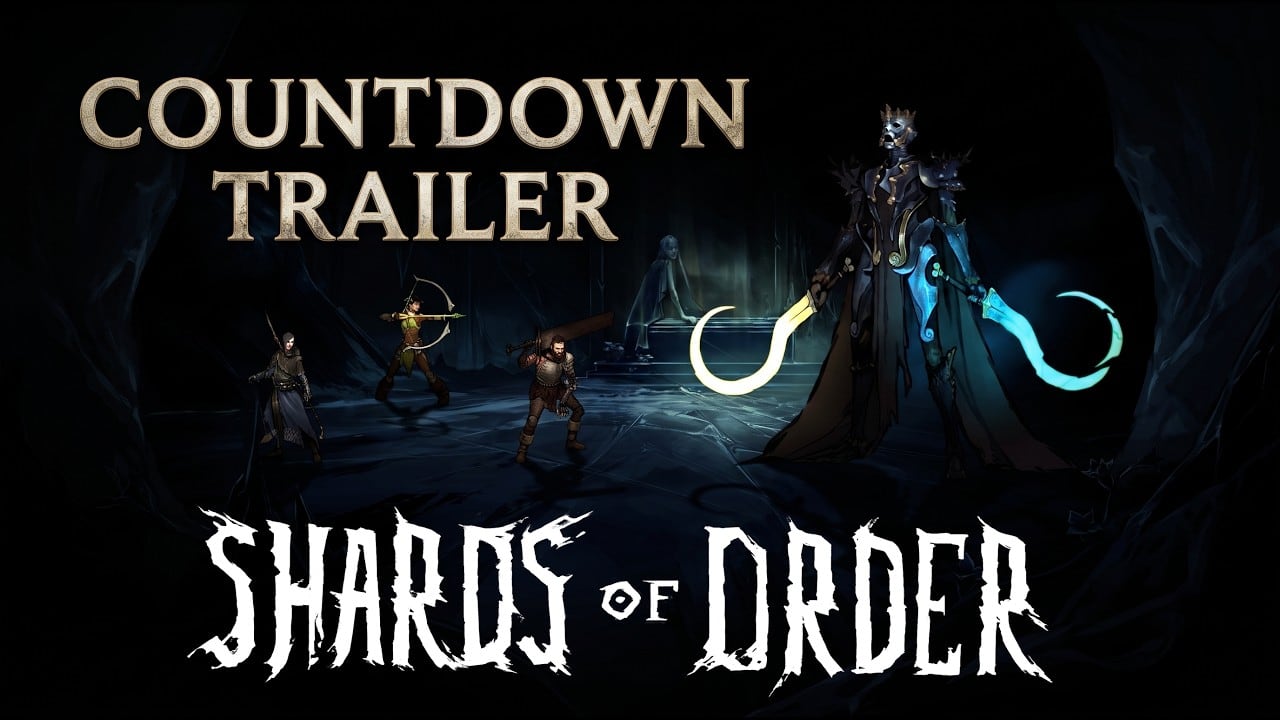
Shards of Order releases on Steam PC only (full game July 28, 2026; free demo app 3672010). This controls guide documents default keyboard and mouse inputs for the demo, explains how each action interacts with the Combat System time counter, and points new players to Getting Started for broader onboarding.
Because combat has no turns and no mana, every button press maps to immediate time spend or UI navigation. Mis-clicks are costly — movement costs one time, draws cost time unless you triggered the three-card free draw, and card plays advance enemy countdowns.
Platform scope
- Supported: Steam on Windows PC (demo and full game).
- Not in current plan: Console or mobile ports — this wiki documents PC defaults only.
- Rebindable keys: Check in-game Settings; this guide assumes defaults until community confirms otherwise.
Report control changes after patches on Release Date.
Core combat inputs
Playing cards
Action: Select a card from hand, confirm valid target if required.
Time cost: Each card displays its time cost before confirmation. Playing it spends that time and ticks enemy countdowns.
Tips:
- Hover or select to preview effects before committing — undo may not exist mid-fight.
- Sequence low-time cards first when chasing the free draw threshold.
- Scholar players note which ally damage triggers mana generation — see Scholar page.
Drawing cards
Action: Draw from shared party deck to refill hand.
Time cost: Drawing costs time unless you already played three or more cards in the current sequence — then the next draw is free.
Tips:
- Do not spam draw at fight open.
- Track sequence count mentally or via UI cues if present.
- Post-demo Fracture punishes redraw habits — see Laws and Fracture.
Movement
Action: Move active hero on battlefield grid or node-adjacent positions as combat rules allow.
Time cost: One time per move.
Tips:
- Plan pathing before spending high-time attack cards.
- Exile four arrow slots may reduce need for melee repositioning — Exile guide.
- Boss arenas tighten movement — Boss Guide.
Targeting and hero switching
Action: Select enemies or allies for card effects; switch active hero when rules permit.
Time cost: Switching may or may not cost time depending on card — read tooltips carefully.
Tips:
- Shared deck means any hero might play the selected card — confirm hero-card compatibility.
- Revive cards target crippled heroes after knockouts; costs rise with repeat knockouts.
Map and menu navigation
Outside combat on the branching node map (Demo Map):
- Select nodes with mouse click or confirm key.
- Revisit cleared nodes — persistent RPG, no roguelite wipe.
- Equip gear at inventory or camp nodes — injections update shared deck per Deckbuilding.
Pause menu typically hosts settings, deck inspect, and quit. Use deck inspect to cross-check injections with Items and Cards.
UI elements to monitor
| UI element | Why it matters |
|---|---|
| Time counter | Budget for cards, moves, paid draws |
| Enemy countdowns | Advance when you spend time |
| Hand size / deck count | Plan draw timing |
| Hero health / crippled state | Knockout recovery planning |
| Exile arrow slots | Ranged resource limit |
| Scholar mana types | Generated from ally damage |
| Soldier rage | Strength scaling resource |
Recommended control habits
- Left hand on movement keys, right on mouse for fast card confirm — adjust to preference.
- Read countdowns before every card — input speed is useless if decisions are wrong.
- Use gear swap menus between fights, not mid-countdown crisis unless necessary.
- Practice three-card sequences on trash before boss inputs matter — Demo Walkthrough.
Accessibility and settings
Open Steam overlay and in-game settings for resolution, audio, and potential control remaps. No official accessibility sheet exists yet; document findings on Wiki as players discover options.
Related guides
- Combat System — rules behind each input
- Getting Started — first launch
- Builds — hero-specific sequences
- Review guide — demo usability impressions
- Guides hub — full index
- Deck Calculator — plan decks outside combat UI
Frequently Asked Questions
Quick answers to the most common questions.
What platform is Shards of Order on?
Steam PC only. The demo and full game use keyboard and mouse on Windows.
Does movement cost time in combat?
Yes. Each movement action costs one time.
How do I draw cards efficiently?
Play three or more cards first to make your next draw free. Paid draws cost time and advance enemy countdowns.
Can I remap controls?
Check in-game Settings on first launch. This guide assumes defaults until patch notes say otherwise.
Do controls differ between demo and full game?
No announced differences. Track updates on the release date page if patches change inputs.
Where do I learn combat beyond inputs?
Read the Combat System guide for time-counter strategy after mastering basic controls.