Shards of Order System Requirements
Official Steam PC specs, Steam Deck FPS notes, single-player scope, and launch-day install checklist.
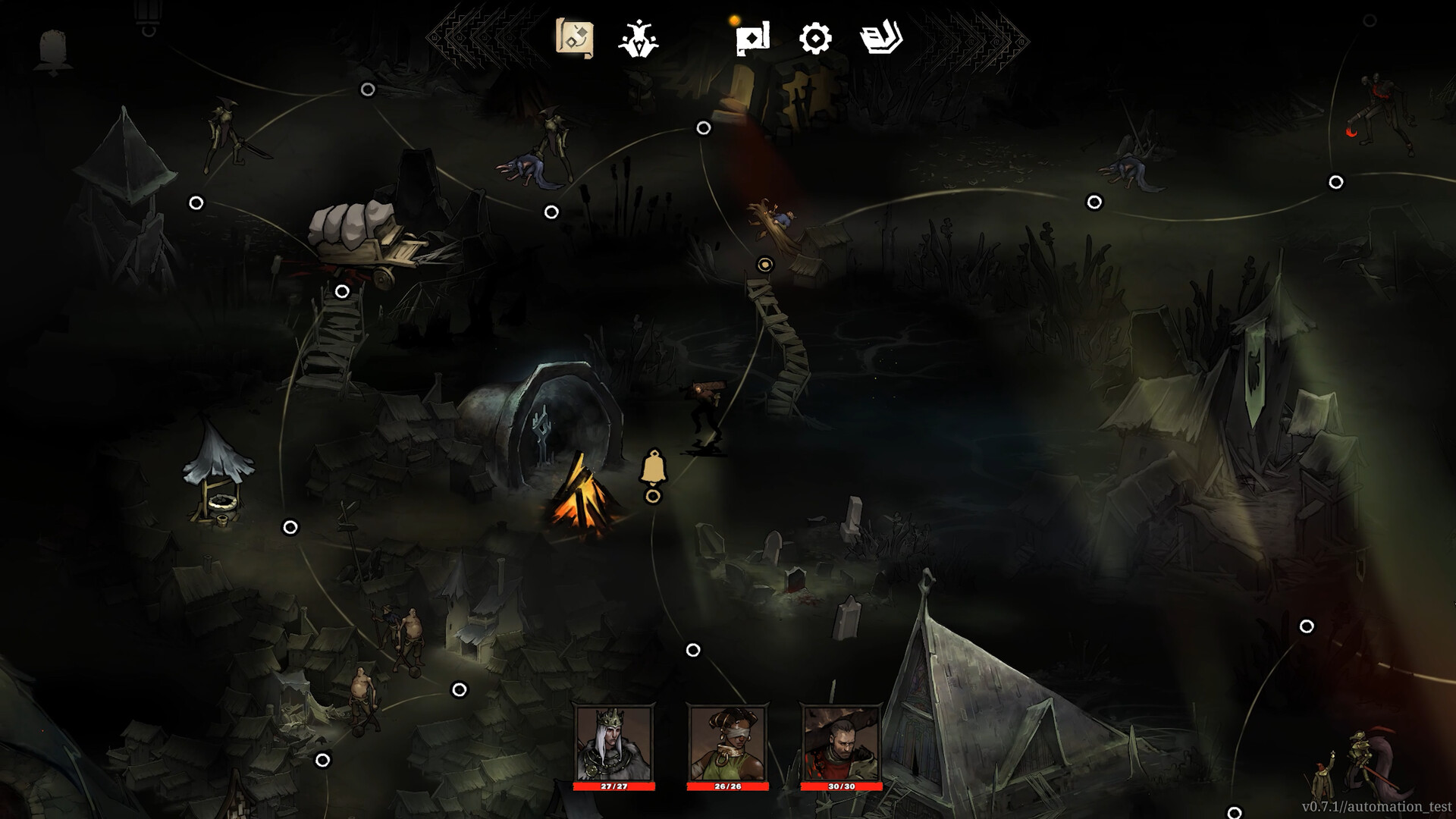
Shards of Order launches on Steam PC today, July 28, 2026, at 6 PM CET. Before you install or upgrade from the free demo, confirm your hardware matches the official Steam store listing specs below. This page consolidates minimum and recommended requirements, platform features (controller support, achievements, cloud saves), and language notes so you do not have to parse the store page mid-download.
For unlock timing and day-one checklist items, see Launch Day and Release Date. Once your PC qualifies, read How to Play for combat flow and Controls for keyboard, mouse, and gamepad input.
Platform and release scope
| Detail | Information |
|---|---|
| Platform | Steam PC only at launch |
| Unlock | July 28, 2026, 6 PM CET |
| Demo | Still available (app 3672010) |
| Storage | 4 GB available space |
| DirectX | Version 12 required |
No console or alternate PC storefronts are confirmed for day one. Family Sharing and single-player are listed on Steam. Store link: Steam store page for Shards of Order.
Minimum requirements
These are the official minimum specs from the Steam listing:
| Component | Requirement |
|---|---|
| OS | Windows 10 64-bit |
| Processor | Dual-core 2.0 GHz |
| Memory | 4 GB RAM |
| Graphics | NVIDIA GTX 750 or AMD Radeon HD 7770 (or equivalent) |
| DirectX | Version 12 |
| Storage | 4 GB available space |
Minimum targets favor accessibility over high-end visuals — appropriate for a card RPG where UI clarity, countdown readability, and stable frame times matter more than ray tracing. The demo runs on similar hardware; if your GPU struggles with other DirectX 12 titles at 1080p, expect to lower resolution or effects in Settings.
Recommended requirements
For smoother frame times during complex fights with multiple countdown telegraphs and queue animations:
| Component | Requirement |
|---|---|
| OS | Windows 11 64-bit |
| Processor | Quad-core 3.0 GHz |
| Memory | 8 GB RAM |
| Graphics | NVIDIA GTX 1060 (or equivalent) |
| DirectX | Version 12 |
| Storage | 4 GB available space |
Recommended specs are not mandatory for completion, but they reduce stutter when reading enemy timers under pressure — especially in regional bosses documented on the Boss Guide.
Steam features and input
The Steam store page lists these categories for the full game:
- Single-player campaign
- Steam Achievements
- Steam Cloud save sync (verify after first launch on a second PC)
- Steam Family Sharing eligible
- Full controller support — including DualShock and DualSense layouts per Steam’s controller category
This wiki’s Controls guide still documents keyboard and mouse as the primary PC reference because most launch guides assume default PC bindings. Controller players should confirm face-button mappings in-game on first boot; Steam Input may remap automatically for PlayStation pads.
Single-player only — no co-op planned
Steam lists Single-player for the full game. In a July 17, 2026 Steam news post, the developers stated that co-op is not planned for Shards of Order. Expect a solo campaign experience on one save — party management covers Soldier, Scholar, and Exile together, not a second human player. For how the three-hero party works mechanically, read How to Play and Characters.
Steam Deck performance notes
The developers shared July 17, 2026 Steam Deck figures in official news — not a Valve Verified badge claim, but useful day-one expectations if you install through Steam on Deck hardware:
| Context | Approximate FPS (developer-reported) |
|---|---|
| Combat on battery | ~55 FPS |
| Combat plugged in | 60+ FPS |
| Map navigation plugged in | ~90 FPS |
These numbers describe how the title runs on Deck-class hardware at the time of that post. PC desktop users should still compare against minimum and recommended tables above. If combat frame times dip on battery, expect countdown UI to feel slightly less responsive — prioritize stable FPS before long boss sessions. Controller layout on Deck follows Steam’s Full controller support category; see Controls for action mapping context.
Languages on Steam versus this wiki
Official Steam language support (per store listing):
| Language | Support level |
|---|---|
| English | Full audio + interface + subtitles |
| French | Interface + subtitles |
| German | Interface + subtitles |
| Simplified Chinese | Interface + subtitles |
| Polish | Interface + subtitles |
This fan wiki publishes English, French, German, and Spanish locales. Spanish guides are wiki-only fan translations — Steam does not list Spanish on the store page at launch. We do not host Simplified Chinese or Polish wiki pages; use Steam’s in-game locale packs for those languages.
Set your in-game language from Steam properties or the title screen menu after install. Wiki mechanics guides supplement localized UI with deep dives on Redraw and Queue and Laws and Fracture.
Pre-install checklist (launch day)
Run through this list before 6 PM CET unlock:
- Free 4 GB on your install drive — full game and demo share the same listing family but install separately if you keep both.
- Update GPU drivers — DirectX 12 stability reduces input lag when using the combat queue.
- Windows Update — 64-bit Windows 10 or 11 with latest patches.
- Steam client — ensure download region and bandwidth are ready for day-one patch if one ships at unlock.
- Own or buy the main app (3432480) — demo progress does not replace the full campaign save.
- Bookmark How to Play and Getting Started for first boot.
After install, launch once to confirm cloud sync and achievement connectivity before a long session.
Demo versus full game on the same PC
The free demo (app 3672010) remains live after launch. You can keep both installed:
- Demo teaches core loops in roughly forty-five minutes — see Demo Walkthrough.
- Full game adds three regions, launch Fracture math, redraw timer 4, and combat queue — summarized on Launch Day.
Demo saves do not carry into the full campaign; use the demo to test whether your PC handles fights smoothly, then install the full title at unlock.
Troubleshooting common issues
Game does not appear at unlock time. Steam regional unlock may lag minutes behind 6 PM CET. Restart Steam or verify file integrity from Library properties.
DirectX 12 errors. Install the latest Windows updates and GPU drivers; verify your card supports DX12.
Low FPS in combat. Lower resolution, disable unnecessary background apps, and compare against minimum GPU tier above.
Controller not detected. Enable Steam Input for the title; check Controls after confirming Full controller support in Steam categories.
Wrong language. Change Steam language for the app or use in-game settings; wiki Spanish content is separate from Steam locale packs.
Report persistent issues on the Steam discussions hub linked from Official Links.
Related pages
- Release Date — launch timing and trailer
- Launch Day — day-one install and mechanic diffs
- How to Play — core loop after install
- Controls — keyboard, mouse, and controller
- Getting Started — first-hour onboarding
- Guides hub — full tutorial index
Frequently Asked Questions
Quick answers to the most common questions.
What are the minimum PC requirements for Shards of Order?
Windows 10 64-bit, dual-core 2.0 GHz CPU, 4 GB RAM, GTX 750 or Radeon HD 7770, DirectX 12, and 4 GB storage.
What are the recommended specs?
Windows 11 64-bit, quad-core 3.0 GHz CPU, 8 GB RAM, GTX 1060, DirectX 12, and 4 GB storage.
Does Shards of Order support controllers on Steam?
Yes. Steam lists Full controller support including DualShock and DualSense. Keyboard and mouse remain the primary PC reference on this wiki.
Which languages does Steam support at launch?
English with full audio, plus French, German, Simplified Chinese, and Polish for interface and subtitles.
Is Spanish available on Steam?
No. Spanish is available on this wiki only as a fan translation. Steam does not list Spanish at launch.
How much disk space do I need?
4 GB available space for both minimum and recommended specs on the Steam listing.
Does Shards of Order have co-op or multiplayer?
No. Steam lists Single-player only, and the developers confirmed in July 2026 news that co-op is not planned.
How does Shards of Order run on Steam Deck?
Developer-reported figures from July 2026 Steam news: combat around 55 FPS on battery and 60+ FPS plugged in; map navigation around 90 FPS plugged in. This is not a Verified badge claim.